
1- Make a Detailed Analysis for AR- Designer Application Design Creation Information. (For design creation information, see.)
Enter the AR-Designer application and create a new design for yourself.
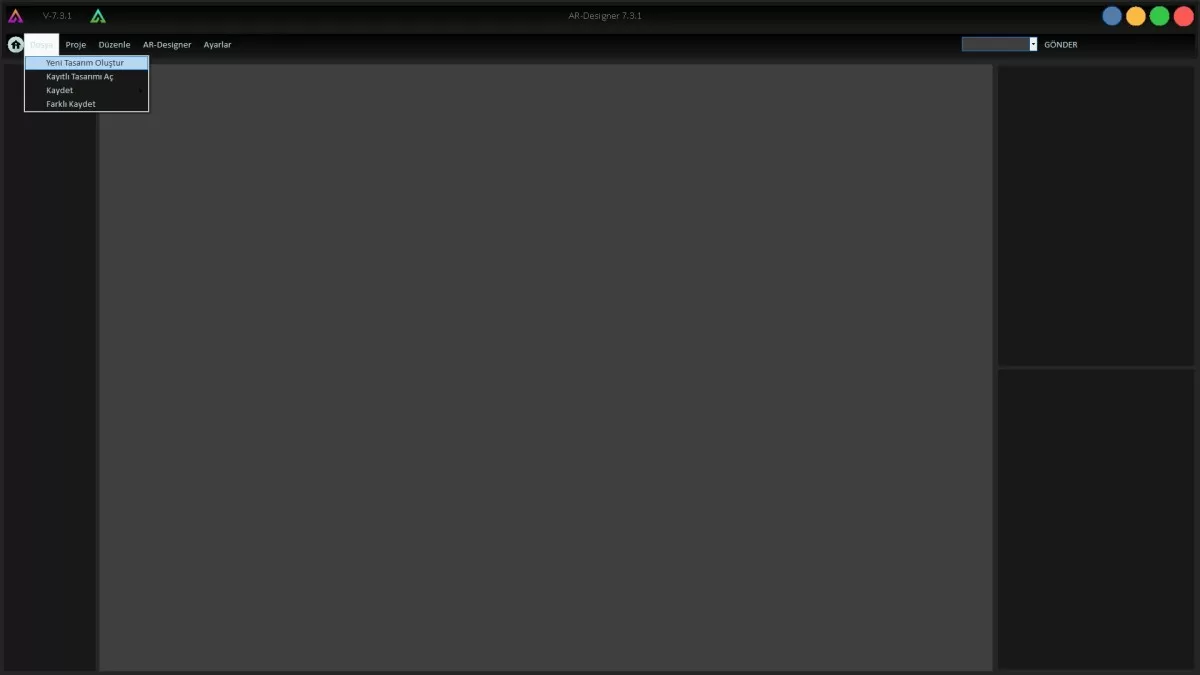
Figure 1: New Design Creation Screen
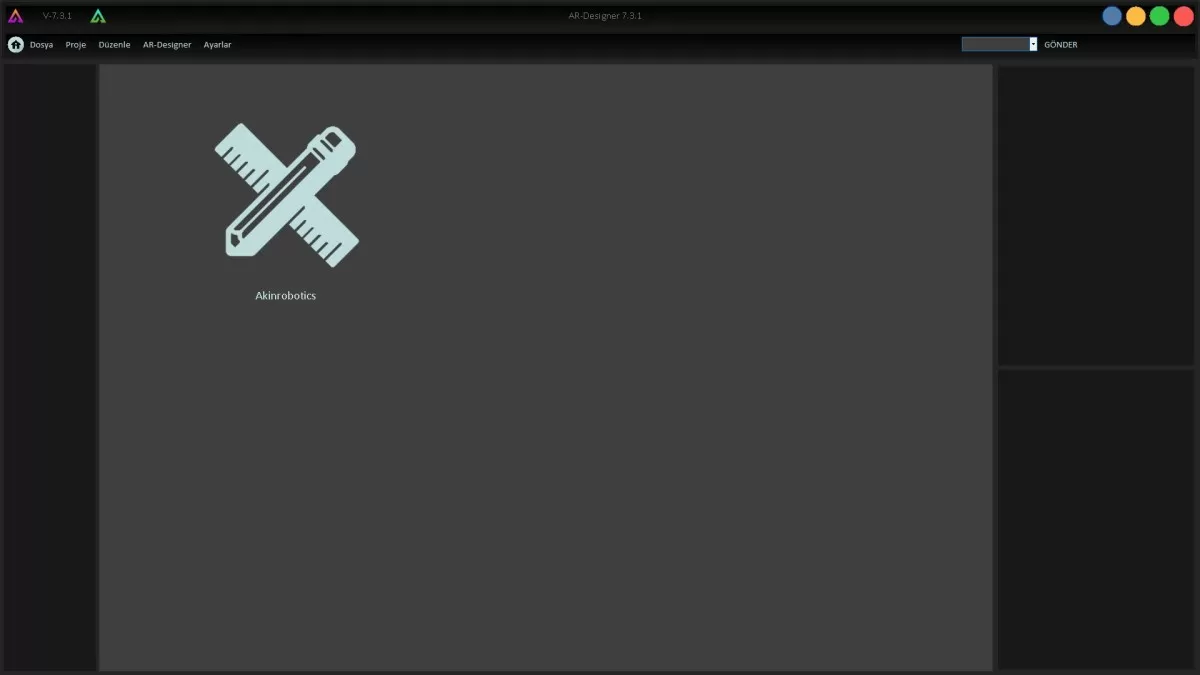
Figure 2: New Design Screen
Prepare a 'Web Browser' page that will cover the entire page in the design you have created.
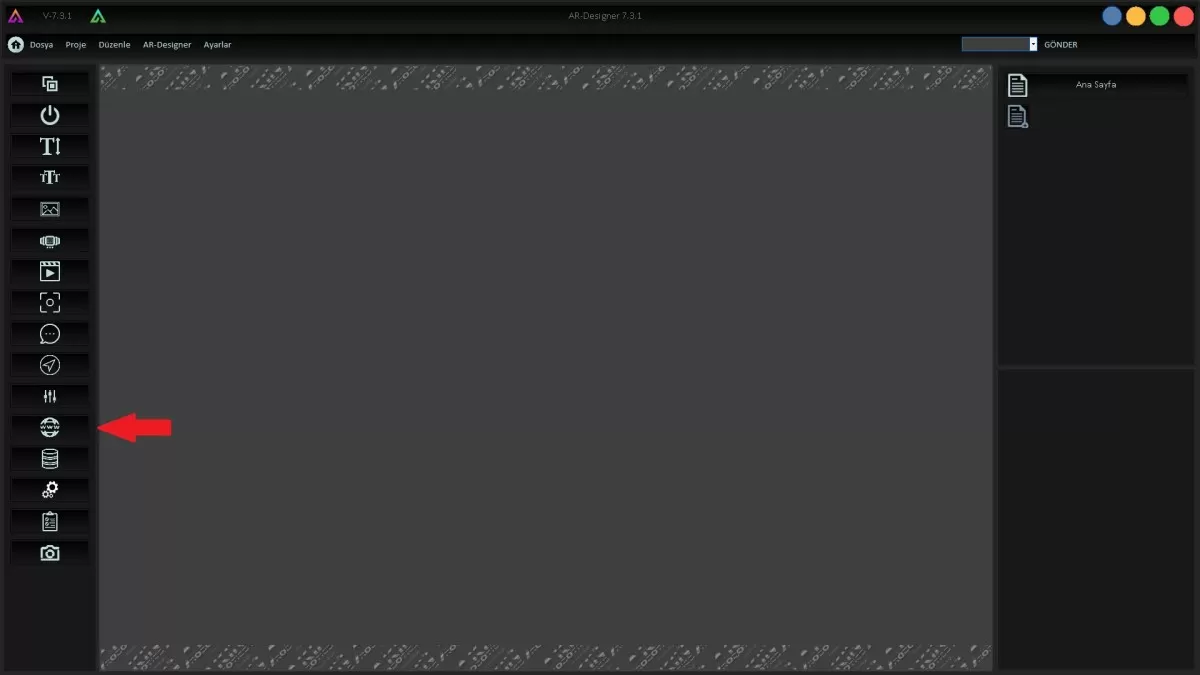
Figure 3: Web Browser Screen
Enter the static IP of your server in the browser url and send it to your robot.
Attention: It is mandatory to write ':10012/siparis' after the IP number.
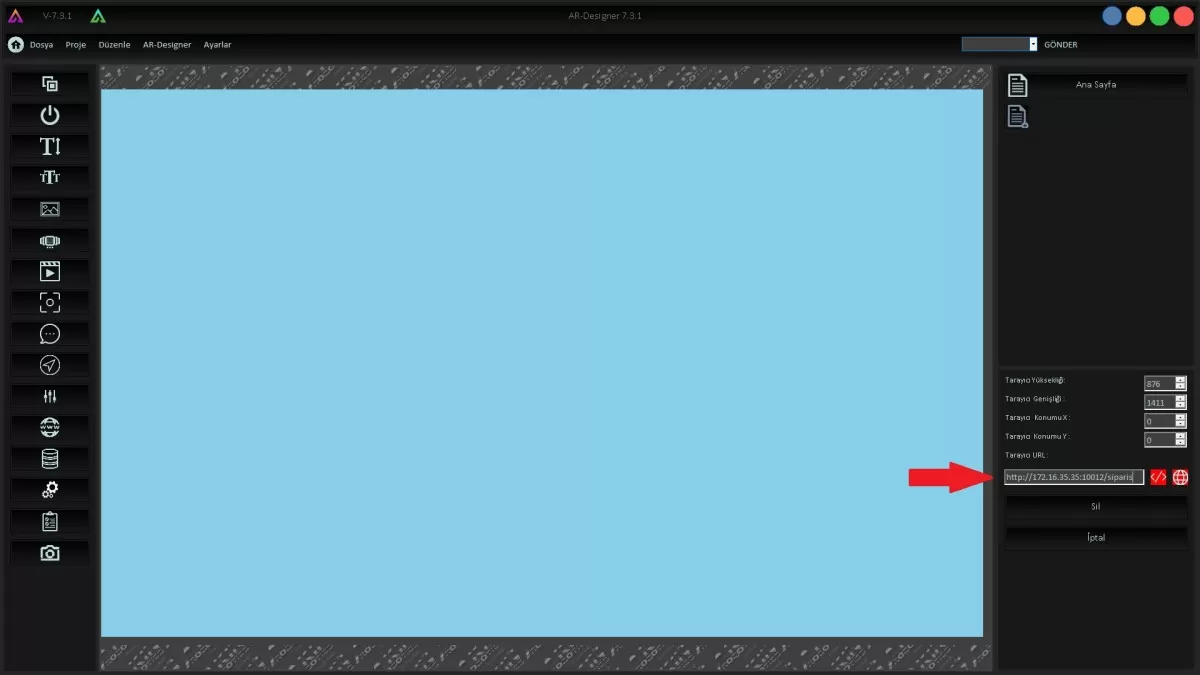
Figure 4: Static IP Screen
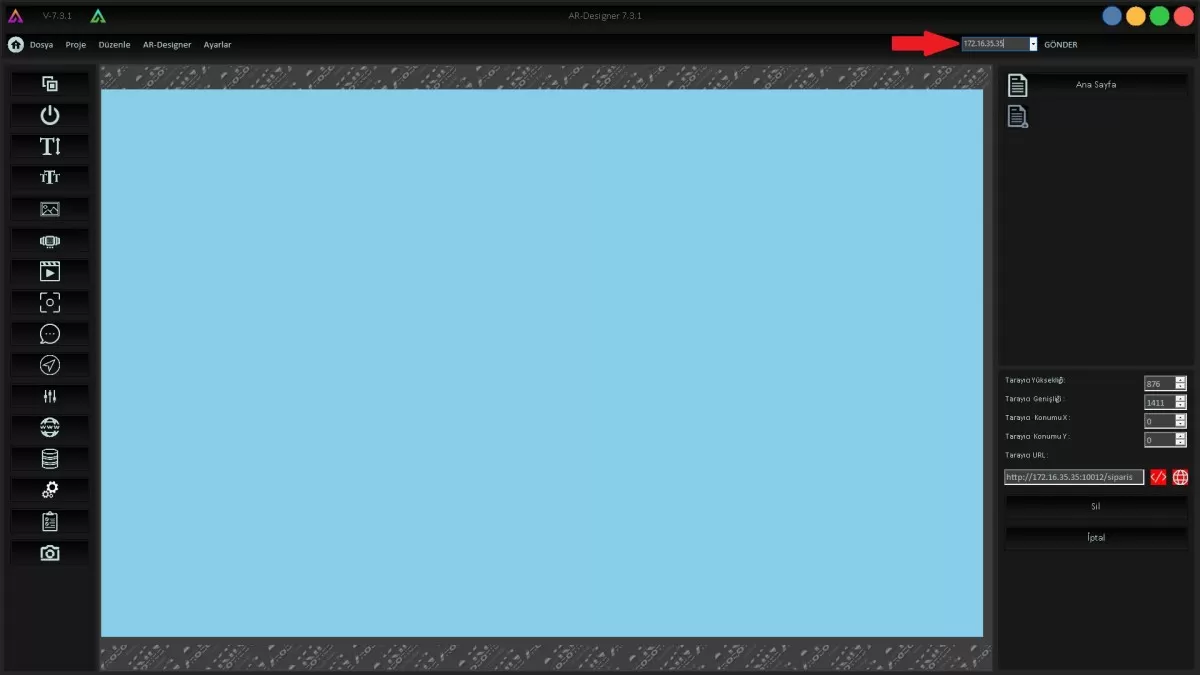
Figure 5: Send to Robot Screen